
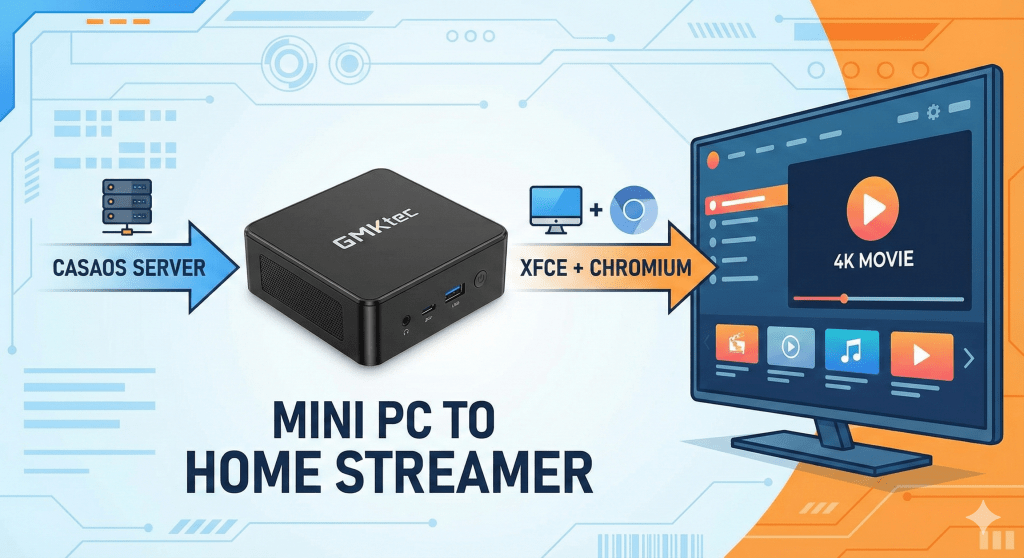
We recently bought a new TV and ran into a common dilemma: how do we stream movies on it? We almost went out and bought a cheap laptop just for the TV, but then I looked at my Mini PC sitting on the shelf. It was already running my home server (CasaOS), but I realized it could do so much more.
I’m not a hardware expert, so the idea of tweaking a server was a little intimidating at first. But I decided to give it a shot to save money and also because it is fun to work on something new. It turned out to be a straightforward process, and the result is amazing.
The Hardware
CPU: Intel Twin Lake N150
RAM/Storage: 8GB DDR4 / 256GB SSD
It has hardware decoding for AV1 and HEVC video, meaning it can play high-quality 4K movies smoothly without overheating, even while CasaOS continues to run my apps in the background.
I chose XFCE because it is incredibly lightweight and stable. It gives me a desktop interface for the TV but doesn’t eat up the RAM needed for my background services.
sudo apt updatesudo apt install xfce4 xfce4-goodies lightdmNext, install the web browser. I went with Chromium as it generally offers better streaming codec support on Ubuntu/Debian than Firefox out of the box.
sudo apt install chromiumI was worried about audio drivers, but it was surprisingly easy. I plugged in my external speakers, and they worked instantly—no config required!
Now, I have a powerful home theater PC that didn’t cost me an extra dime. It feels incredibly rewarding to go from “not knowing much about tech” to successfully repurposing hardware to improve our home life. If you have a mini PC gathering dust or just running background tasks, plug it into your TV—you might be surprised at what it can do.
I was honestly surprised by how well it handles high-quality streams. Here is a short clip I took with my phone showing the playback on the new TV: Watch the Stream Test Video
 Welcome to Miminiverse!
Leave a comment